Features
Everything CRO Booster does, in one place. All features work with your theme through theme app blocks.
Bundles on product pages
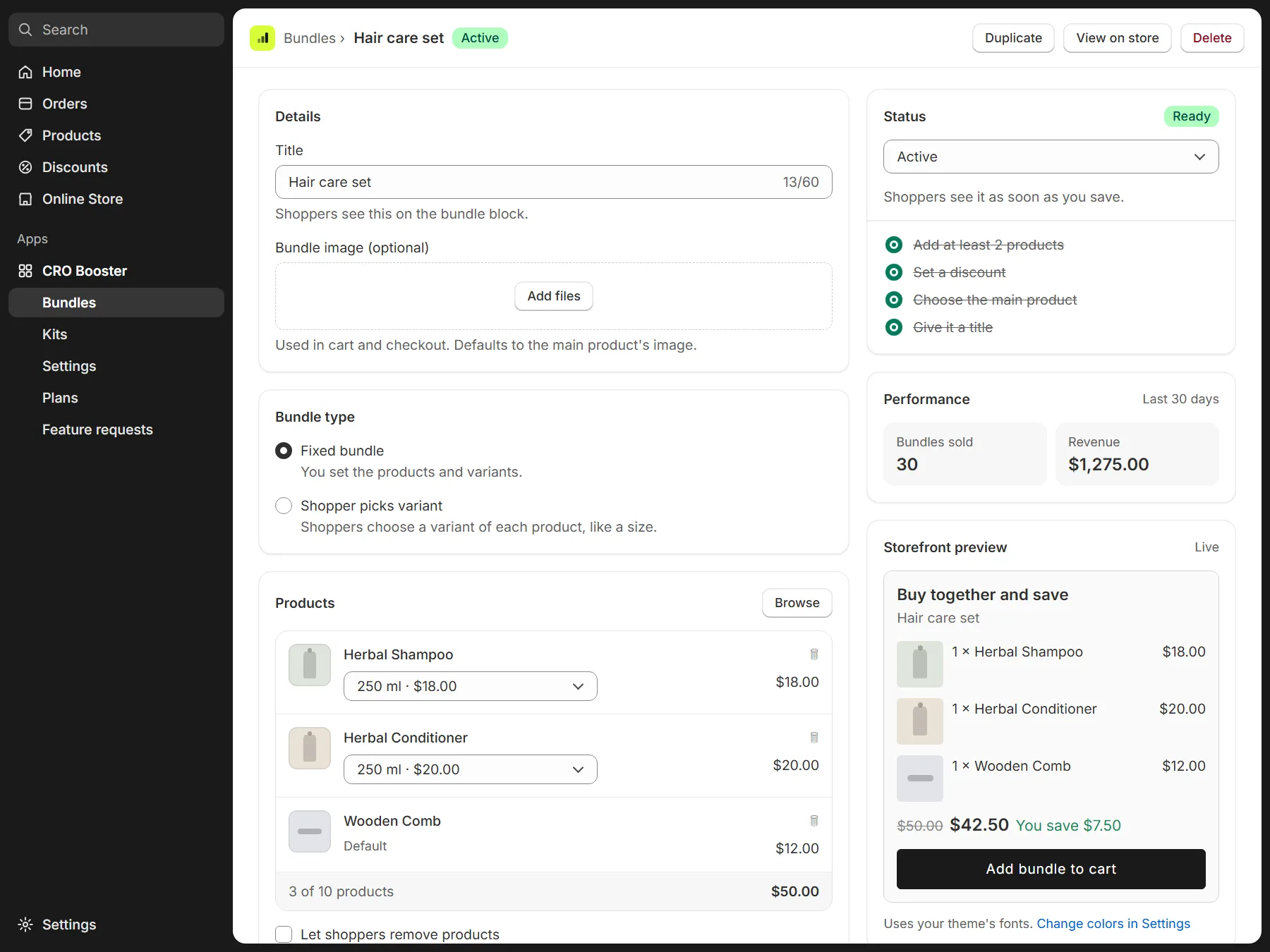
Pick the products and a main product. The bundle shows on that product's page through the Bundle block.
- Fixed bundle: you set the products and quantities.
- Customer picks the variant: shoppers choose size, color or other options for each item.
- Optional: shoppers tick which items to include.
- Discount: percentage off, amount off, or a fixed bundle price.
At checkout the items merge into one bundle line with the discount, using Shopify's own checkout (Shopify Functions). No discount codes are created.
Mix-and-match kits
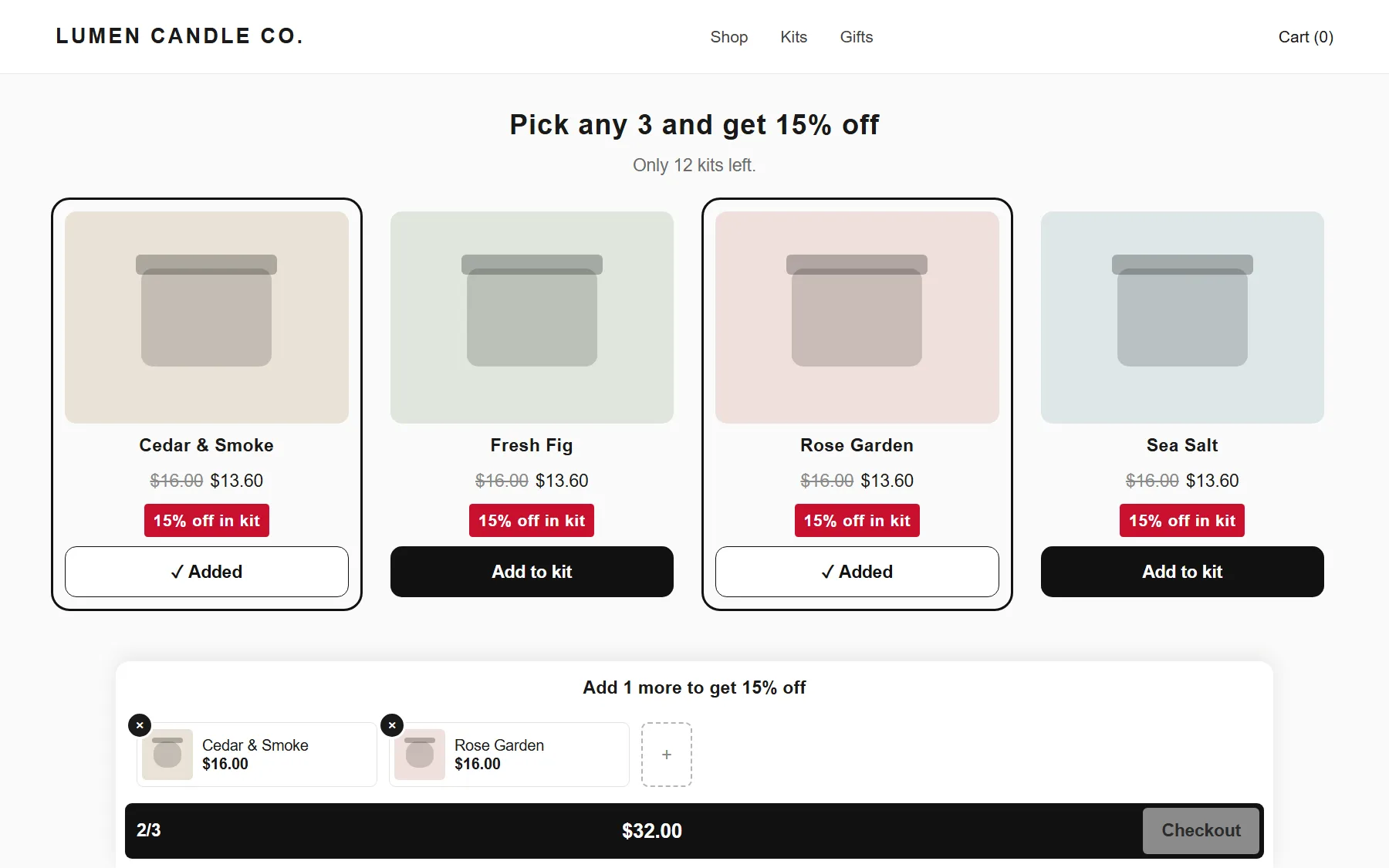
A kit lets shoppers build their own set. Example: "Pick any 3 candles".
- Choose the products and how many the shopper must pick.
- The app creates a kit page in your store.
- Shoppers see a progress bar and add the whole kit to the cart in one click.
- Discount: percentage off, amount off, or a fixed kit price.
- Optional kit stock limit. "Only X kits left" shows the real number left from the limit you set.
Design that matches your store
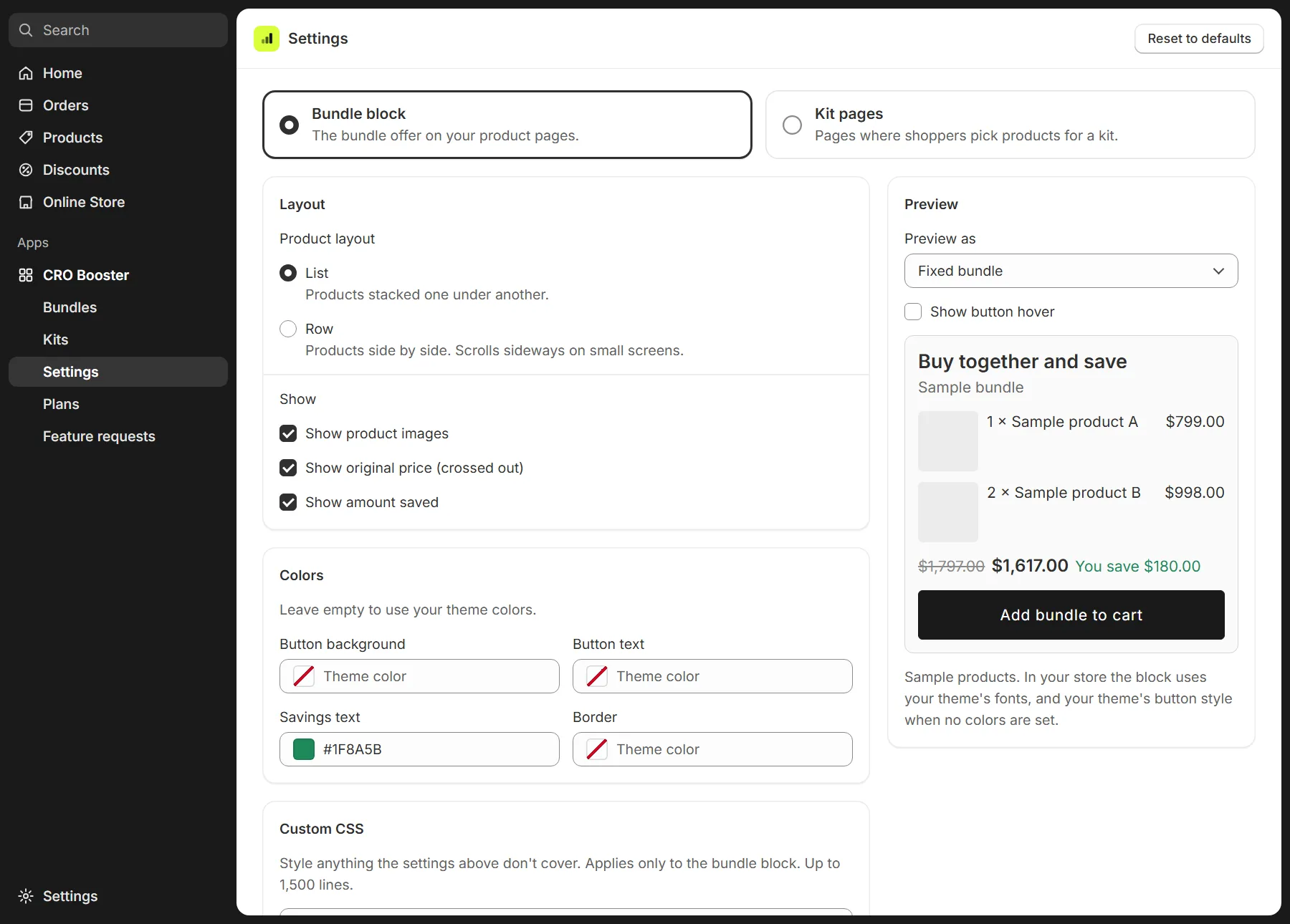
Set the layout, text and colors in the app's Settings. No code needed.
- Button colors and hover effects.
- Custom CSS, up to 1,500 lines Pro
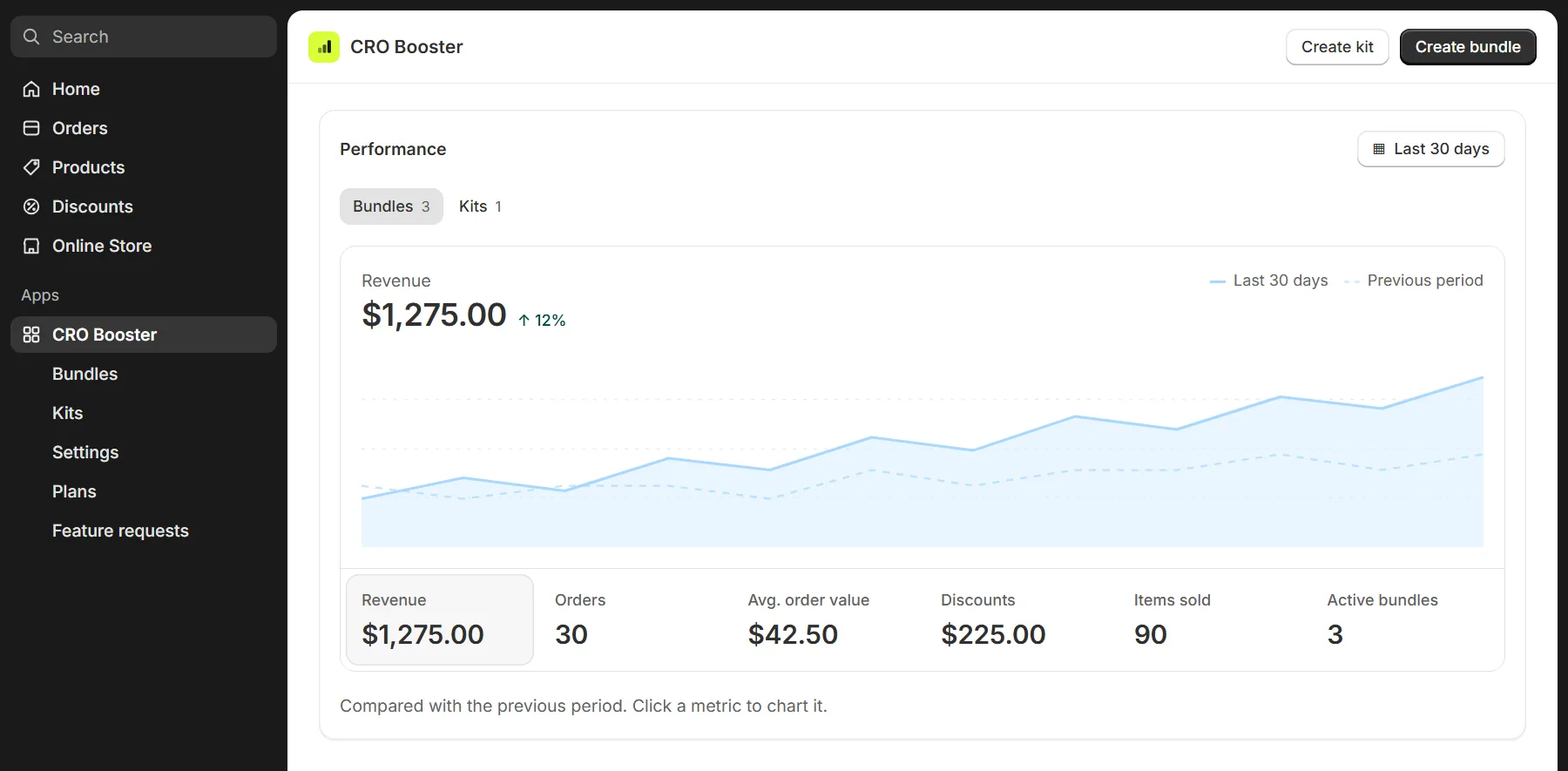
Sales reports
The app's Home page shows how your bundles and kits sell.
- Bundle and kit revenue.
- Discounts given.
- Kits sold.
Refunds and cancellations are subtracted.
Easy setup with theme blocks
CRO Booster adds theme app blocks. You place them in the Shopify theme editor.
- No theme code edits. Remove a block and it's gone cleanly.
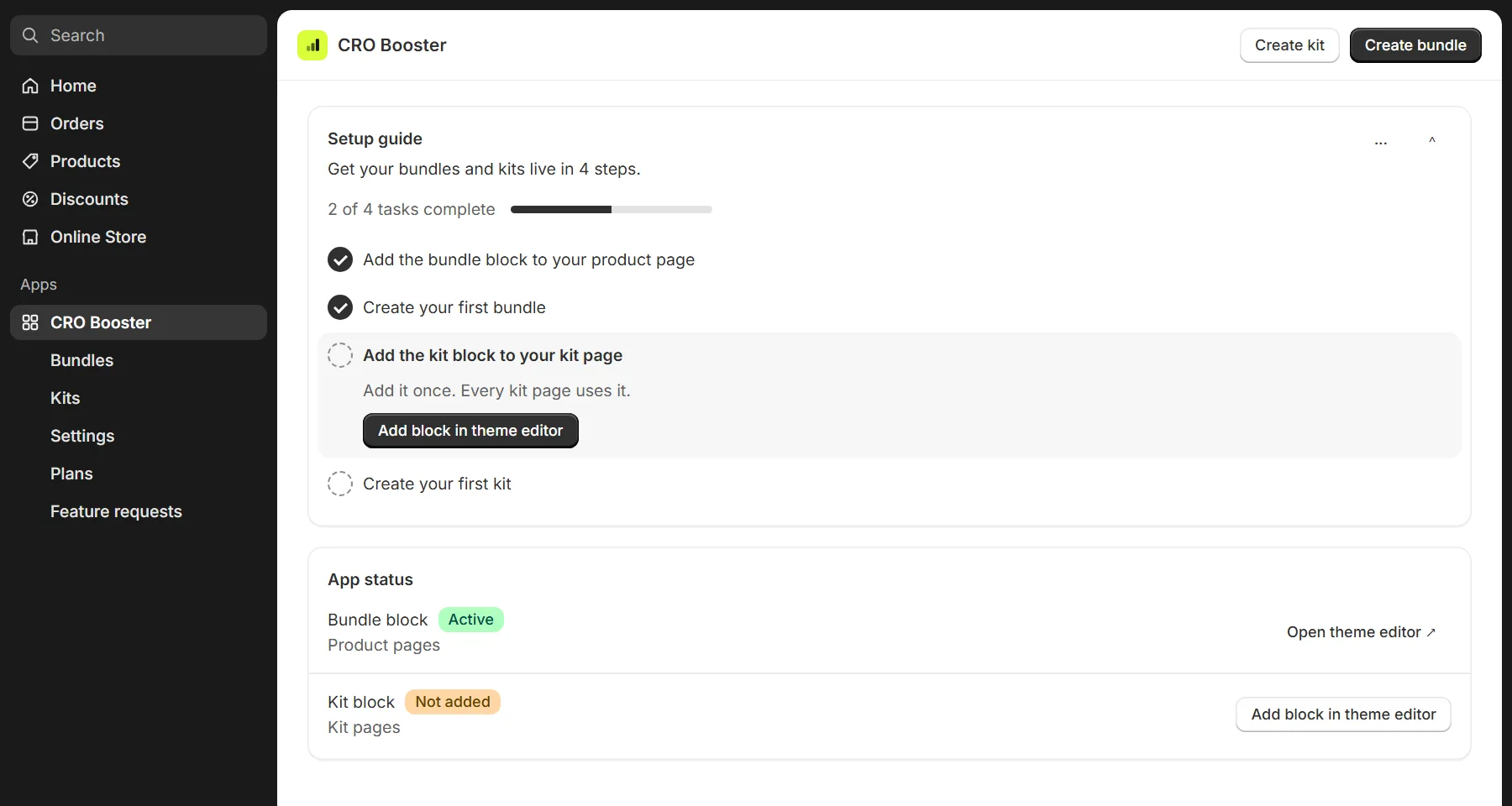
- The in-app setup guide has one-click links to the theme editor.
- App status shows whether each block is on your theme.
- Suggest features on the Feature requests page and see what's planned and done.
- Email support.